01
Snap your pantry
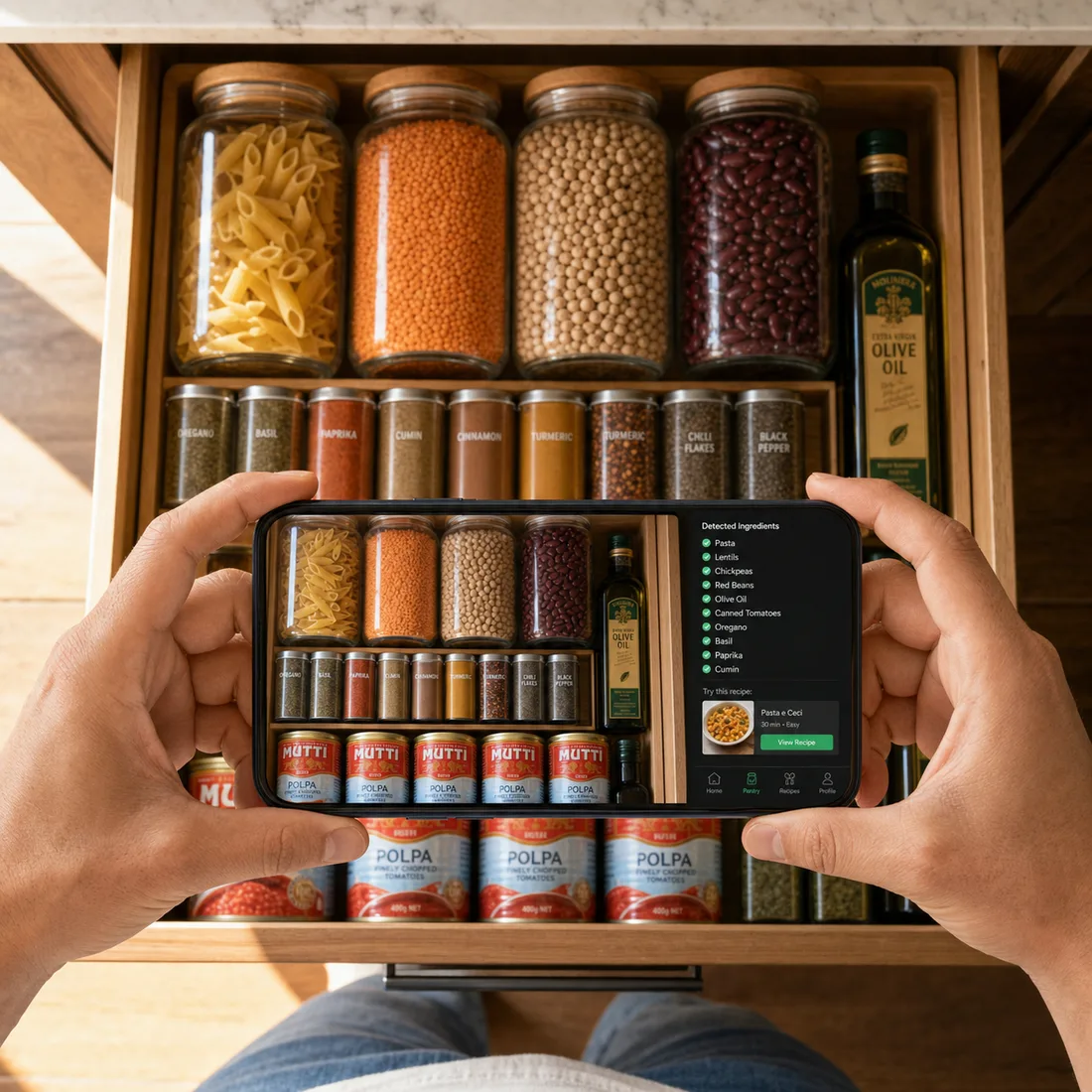
Open the app, point your phone at your shelf, and tap. NowCook reads every ingredient — no typing, no taps. (Type works too.)
 NowCook
Built by a working chef · 5–7 real dinners from one photo · 14-day free trial
One photo. NowCook reads every ingredient on your shelf and builds a week of chef-tested dinners around what you already have — plus a grocery list for only what's missing.
No credit card to start · Cancel anytime · $9/month after trial
What people are saying
“I was genuinely surprised. Opened the app, snapped a photo of my fridge on a Thursday night, and had a real dinner plan in under a minute. It’s now the first thing I open when I get home from work.”
“As someone who’s been vegetarian for eight years, I’m used to apps giving me one sad salad option. NowCook actually builds a full week of meals I want to eat. The dietary filters actually hold.”
“I was throwing out half a fridge every week without realizing it. Now I snap a photo on Sunday and by Wednesday I’ve actually used the vegetables I bought. The grocery list alone saves me money.”
The camera scanner
Most pantry apps make you type 30 ingredients before they help. NowCook reads your whole shelf from one photo — cans, jars, fresh produce, leftovers, the half-used bag of lentils — in under five seconds.
Try it
Tap your real ingredients. Watch NowCook plan a real week. Inside the app, you just snap a photo and skip all this.
1 · What's in your kitchen?
2 · For whom?
3 · Any restrictions?
Your week of meals appears here
Click Plan my week when you're ready.
Chef‑tuning your meals…
Your week — uses what you already have
Grocery — buy only these 2
This is a taste — the real app reads your pantry from a photo, remembers your household, and gets smarter every week. Start free for 14 days →
How it works
Open the app, point your phone at your shelf, and tap. NowCook reads every ingredient — no typing, no taps. (Type works too.)
A chef‑tuned AI generates 5–7 personalized meals you'll actually want to cook — no random nonsense, no flavor missteps.
One clean grocery list with only the missing ingredients. Less waste. Less spend. Dinner done.
Real recipes, not random
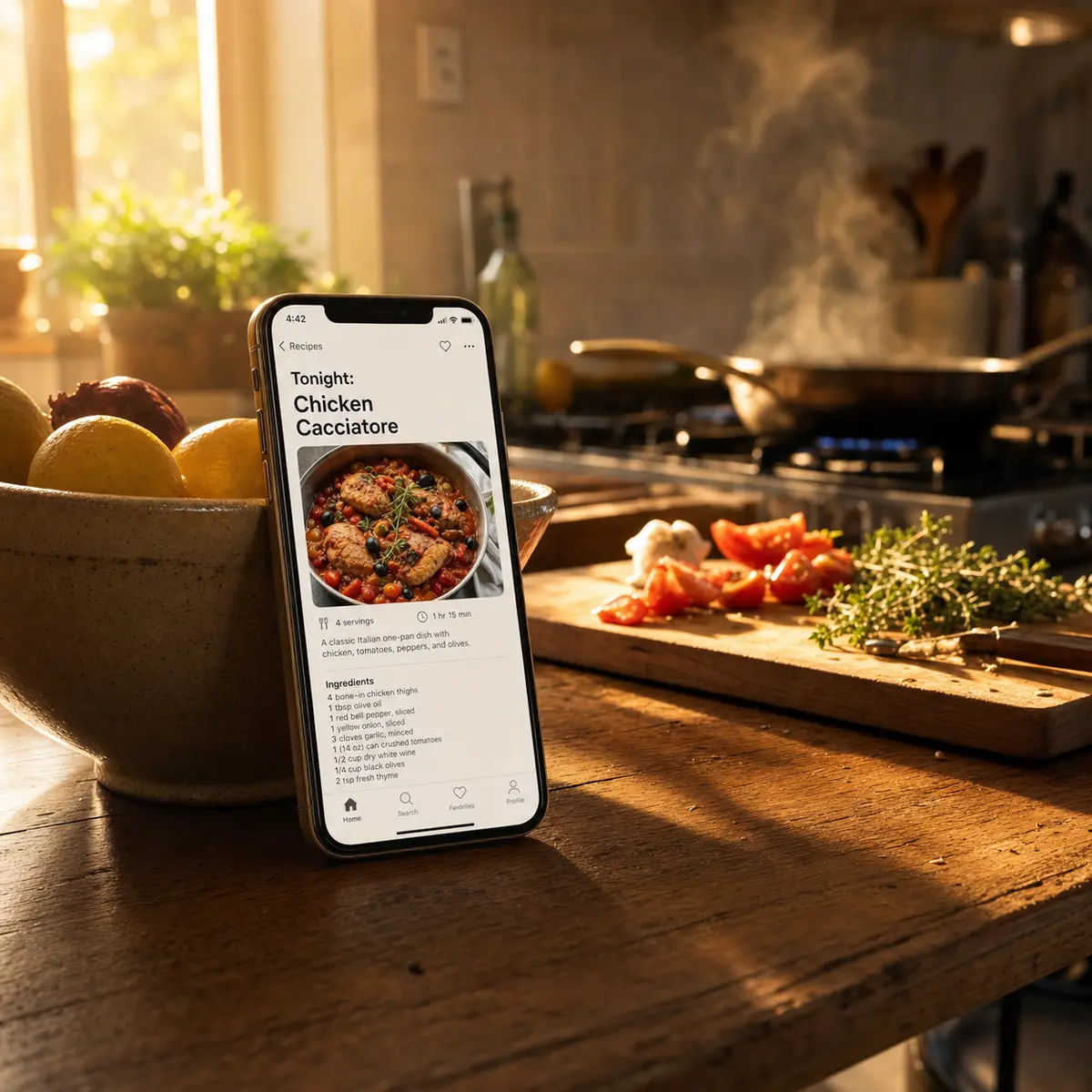
Most AI recipe apps generate plausible-sounding nonsense. NowCook is tuned by a working chef, with technique, timing, and flavor balance built into every recipe.
Bone-in thighs braised in tomato, garlic, and onion. Tossed with pasta and finished with parmesan.
From your pantry
Pick up
Why NowCook is different
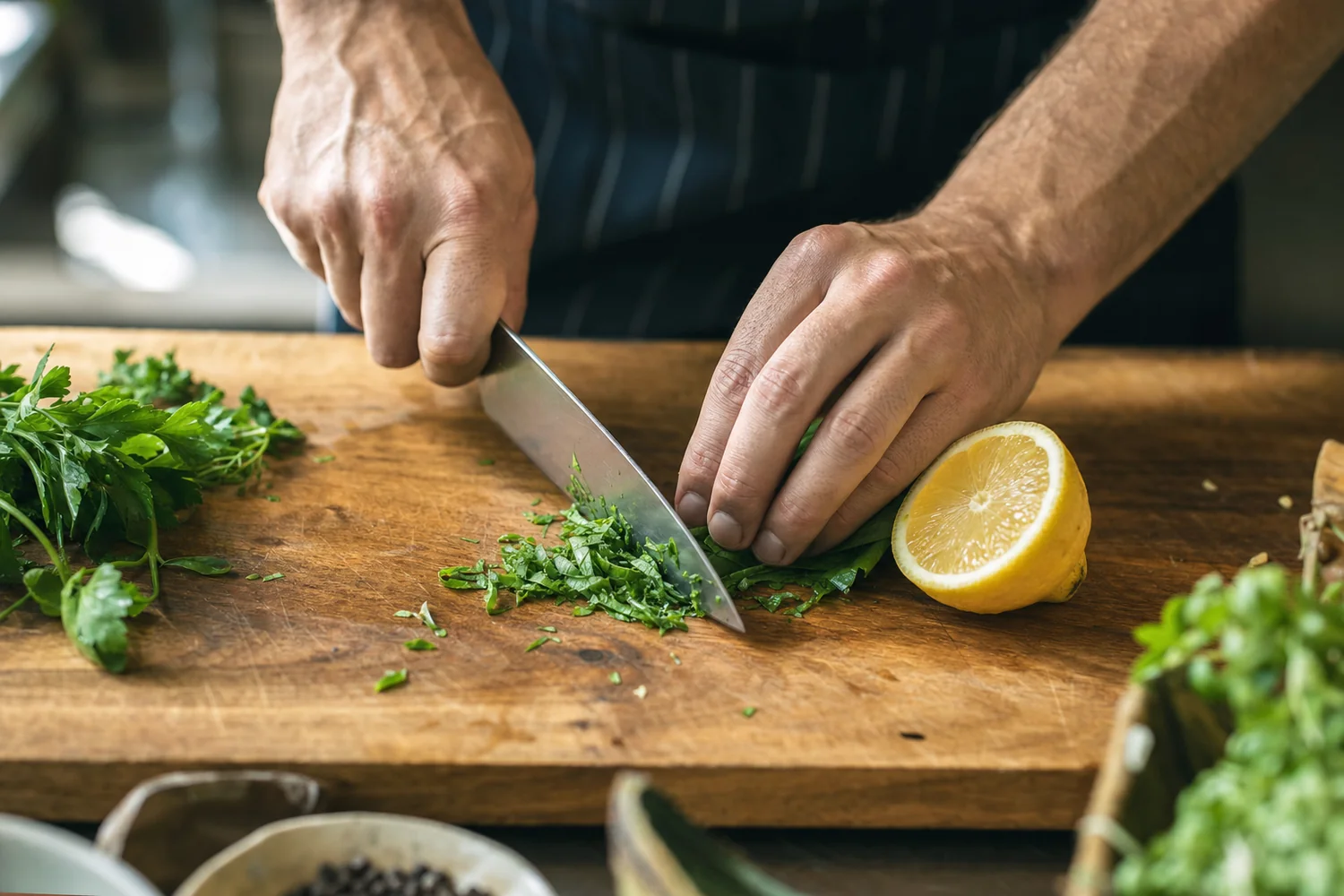
Other apps show you 10,000 recipes you can't make. NowCook starts with what's already in your kitchen, then builds the plan.
Most "AI recipes" are auto-generated guesses. Ours are quality-checked against real cooking technique by a working chef.
One person gluten-free, one kid who hates mushrooms — set it once. NowCook plans around it forever.
Use what you already have first. Only buy what's truly missing. Cut food waste and your weekly bill.
Plan on your laptop. Cook from your phone propped next to the stove. Same account, same week.
No 8-minute scroll past a life story. No ads. No newsletter popups. Just the recipe.
What NowCook feels like
Not a sales pitch — the actual reasons this app exists.
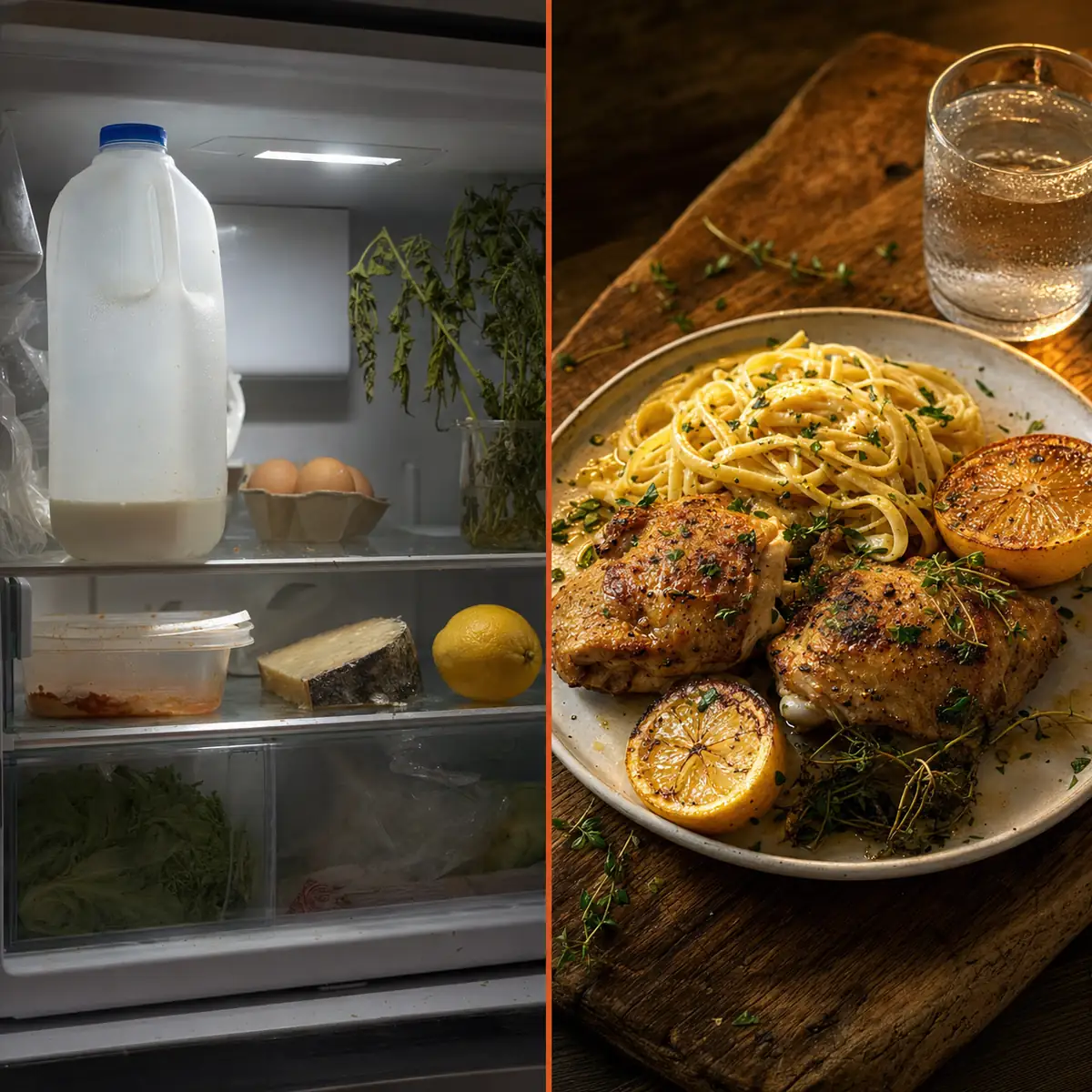
“You open the fridge, take one photo, and have a real dinner plan before the kids finish arguing over snacks.”
“The recipes should taste like a chef wrote them — because one did. Salt levels, sear times, the small stuff. Not a content farm.”
“Stop throwing out wilting herbs. NowCook keeps suggesting things that use what's about to go bad first.”
As our first cooks share their stories, we'll feature them here with their names and photos — with permission only.
Sharing our launch on
Want to feature NowCook? Get in touch
The chef behind NowCook
I've spent years writing menus, building recipes, and running kitchens. I know what makes a recipe actually work — and what makes most AI recipes fall flat.
I built NowCook because no app on the market does what every home cook actually wants: look in my fridge, plan my week, tell me what to buy. Yummly tried. Mealime tried. None of them got there.
So I'm building it — pantry-first, chef-tuned, no nonsense. The version of a meal-planning app I'd actually use myself.
Today’s recipe idea
A different fridge-friendly recipe every day of the week — one you can make from what’s probably already in your kitchen.

Pricing
Free forever for casual use. Upgrade when you want unlimited weeks and household profiles.
$0forever
For the curious cook.
$9/ month
14-day free trial. Cancel anytime.
$72/ year
Save $36 vs monthly — best for daily cooks.
Secure checkout by Stripe. 14-day refund window. Cancel anytime from your account.
Who NowCook is for
No time to plan, fridge full of random things, and everyone has an opinion on dinner. Snap one photo and have a week of real meals in under a minute — with a grocery list for only what’s missing.
Start free →Meal planning feels like a second job. NowCook does it in one photo. You don’t have to look up recipes, build a list, or figure out what’s in season. It just works.
Start free →That wilting spinach, the half-used can of beans, the carrots that are almost too soft — NowCook uses what’s about to go bad first. Less waste every week, fewer overflowing compost bins.
Start free →Set your diet once and NowCook never forgets. Every plan, every recipe, every swap option will respect it. No more sifting through 50 suggestions that don’t apply to you.
Start free →Use what you already have before spending more. The grocery list shows only the gaps — two or three items, not a full haul. Most users spend noticeably less on groceries within the first month.
Start free →FAQ
Yes, fully. NowCook scales from one person to a family of eight. When you set your household size, recipes and portion sizes adjust accordingly — you'll get single-serving dinners and a grocery list built for one, not a bulk haul designed for a family of four.
Set it in your preferences and NowCook will never suggest a meat-based recipe. It respects vegetarian, vegan, pescatarian, gluten-free, dairy-free, keto, and common allergies. These are hard filters — the planner won't sneak in chicken "just this once."
Once you set your dietary restrictions and ingredient dislikes, NowCook works around them. Flag specific ingredients — mushrooms, cilantro, anything — and they won't appear in your plans. These preferences live in your account and apply automatically to every plan.
You could ask ChatGPT for recipe ideas, but it can't see what's in your fridge, doesn't remember your household or dietary restrictions, won't build you a grocery list of only the gaps, and isn't tuned by a chef who's thought through timing, flavor balance, and technique. NowCook is purpose-built for this one task.
The camera scanner reads labels, shapes, and visual context. Canned goods, fresh produce, jars, bags of pasta, leftovers in containers — it handles most kitchen staples. It won't catch everything (bad lighting or handwritten labels can trip it up), which is why you review and confirm the ingredient list before generating a plan. Photos are processed to extract ingredients and then discarded — they're not stored.
It works better with more ingredients, but doesn't need a fully stocked kitchen. Even with a handful of staples, NowCook can suggest a few solid meals and tell you what to buy for the rest of the week. The grocery list just gets a bit longer.
Yes. If you'd rather type your ingredients manually — or you're on a device without a good camera — you can enter everything by hand. The rest of the experience is identical: ingredient list, week plan, grocery list.
Swap it. Every recipe card has a swap option that generates an alternative using your existing pantry. You can swap as many times as you like before you start shopping. Recipes you love can be saved so they come up more often in future plans.
Yes, genuinely. No credit card, no billing info required to start. At the end of 14 days, you're asked if you want to continue. If you don't, your account pauses and your data stays intact. Nothing is auto-charged.
A working chef with years on professional lines. NowCook was built because no existing app started with what was already in the fridge. Read the full story →
Yes. NowCook supports gluten-free, vegan, vegetarian, dairy-free, and nut-free diets as hard filters — not soft suggestions. Set your restrictions once in your profile and every meal plan will respect them automatically. The app won’t sneak in an ingredient that conflicts with your settings.
Yes — computer vision identifies common ingredients from pantry and fridge photos. It reads labels, shapes, and visual context: canned goods, fresh produce, jars, bags of pasta, and most kitchen staples. Anything the app isn’t confident about gets flagged for your review before the meal plan is generated. Photos are processed to extract ingredients and then discarded — not stored.
Regenerate it. Every recipe card has a swap option that generates an alternative using your existing pantry. You can also exclude ingredients from future plans entirely — flag mushrooms, cilantro, or anything else and they won’t appear again. Set these once and they carry into every plan going forward.
Yes. The free Taste plan gives you 3 meal plans per month, forever — no trial expiry, no credit card required. Each plan includes 5 recipes and a basic grocery list. For unlimited plans, the camera scanner, week view, and saved favorites, that’s the $9/month Pro plan.
The Pro plan includes: unlimited pantry photo scans, unlimited weekly meal plans, a smart grocery list showing only what you’re missing, a week-at-a-glance view, the ability to save favorite recipes, and dietary memory for your whole household. It’s $9/month or $72/year (effectively $6/month). 14-day free trial — no credit card needed to start.
From the journal
Why one collapses by Wednesday and the other doesn't. A working chef's honest take after a decade of both.
Read the guide →13 chef-tested ways to turn leftover rice into a real dinner — no wasted grains, no boring bowls.
Read the guide →A working chef's playbook for rescuing the produce drawer before it turns. The 80% rule, with examples.
Read the guide →Cheap cuts cooked right are better than expensive cuts cooked wrong. The techniques that transform budget proteins.
Read the guide →The pantry is never perfectly stocked. How to read what's actually there and build real dinners every time.
Read the guide →Most meal plans collapse by Wednesday. The five design flaws — and the flexible framework that actually holds up.
Read the guide →No typing. No meal-planning rabbit holes. Snap your pantry, get 5–7 chef-tested recipes, and a grocery list for only what you're missing.
14-day free trial · $9/mo after · cancel anytime · secure checkout by Stripe.